How do I make a Hotel Lobby AI video with a friend or partner?
Use two separate portraits of consenting adults, assign the left and right performers, and generate a 10-second rap video. Standard 720p costs $9.90; 1080p costs $14.90. Add your birthday or anniversary message in an editor after downloading.
- Input
- 2 adult portraits · JPG / PNG / WebP · ≤10 MB each · 300–6000 px per side
- Output
- 10-second MP4 with audio · 16:9 · optional fitted 9:16
- One-time price
- $9.90 / 720p or $14.90 / 1080p · paid clean download
1. Choose the people first
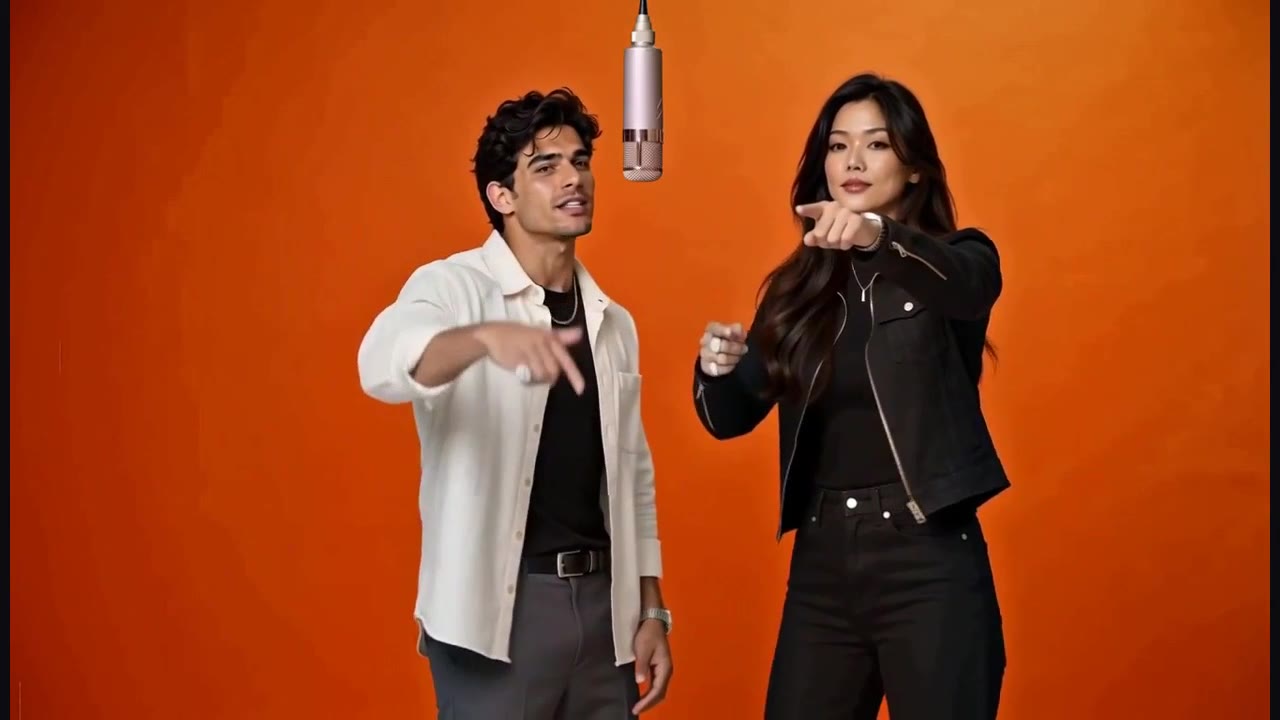
Use two separate portraits of adults who agreed to appear. Friends or partners work with the same orange-studio template. The occasion comes from the people and your message; the tool does not generate a birthday cake or a new celebration scene.
2. Set the left and right roles
Put the first person in the left slot and the second in the right. Choose well-lit photos with a visible face and upper body, wearing the outfit you want represented. Preview the example's four moments to understand the shared performance.
3. Choose quality for the destination
Standard costs 160 credits for a 720p take; high quality uses 235 credits for 1080p. Both use ten seconds and the same performance. Compare the actual sample frames before choosing; resolution cannot guarantee identity or precise lip sync.
4. Add the personal message after export
Download the finished MP4 and add a short birthday or anniversary line in your editor. For a vertical post, use the fitted 9:16 export and place your message in the background space. Review the full video before sharing it with the people shown.
Actual example inputs and result
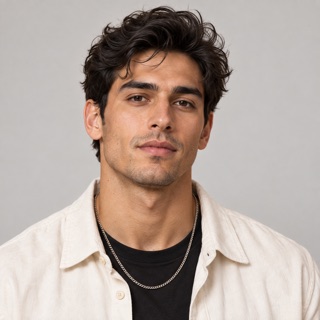
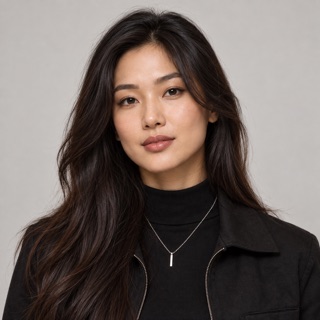
Two fictional adult portraits used for the public sample. These are demonstration inputs, not customer photos.
Watch the corresponding 10-second result with soundRelated questions
Can I use a friend's photo?
Yes, if that adult agreed to appear in this video. Do not upload anyone under 18 or someone who has not given permission. Sexual content, non-consensual intimate imagery and deceptive impersonation are prohibited.
Which photos can I upload?
Upload two separate JPEG, PNG or WebP photos, one consenting adult per photo. Each must be at most 10 MB, with both width and height between 300 and 6,000 pixels. Clear faces and visible upper bodies supply useful detail; convert HEIC to JPEG or PNG first.
Should I choose 720p or 1080p?
Choose 720p for a $9.90 first try, or 1080p for a $14.90 higher-resolution file. Both use the same 10-second template. Higher resolution does not guarantee better likeness or precise lip sync; the public 1080p comparison comes from an earlier five-second test.
Can I export a 9:16 video for TikTok or Reels?
Yes. Export a completed video from My videos as 720×1280 or 1080×1920 MP4. The full horizontal scene fits on a dark background, preserving both people and sound. This is a fitted export, not a native vertical camera; it uses no additional generation credits.
Product details and policies
This guide describes the current AI Hotel Lobby workbench. Specifications and pack counts come from its template and price configuration; they are not a benchmark success rate.