How do I make a Hotel Lobby AI video on my phone without an app?
Use your phone's browser to upload 2 authorized adult portraits and make a 10-second MP4. No app, original clip or prompt is required. Sign-in and paid credits are required: $9.90 for 720p or $14.90 for 1080p. Convert HEIC photos before uploading.
- Input
- 2 adult portraits · JPG / PNG / WebP · ≤10 MB each · 300–6000 px per side
- Output
- 10-second MP4 with audio · 16:9 · optional fitted 9:16
- One-time price
- $9.90 / 720p or $14.90 / 1080p · paid clean download
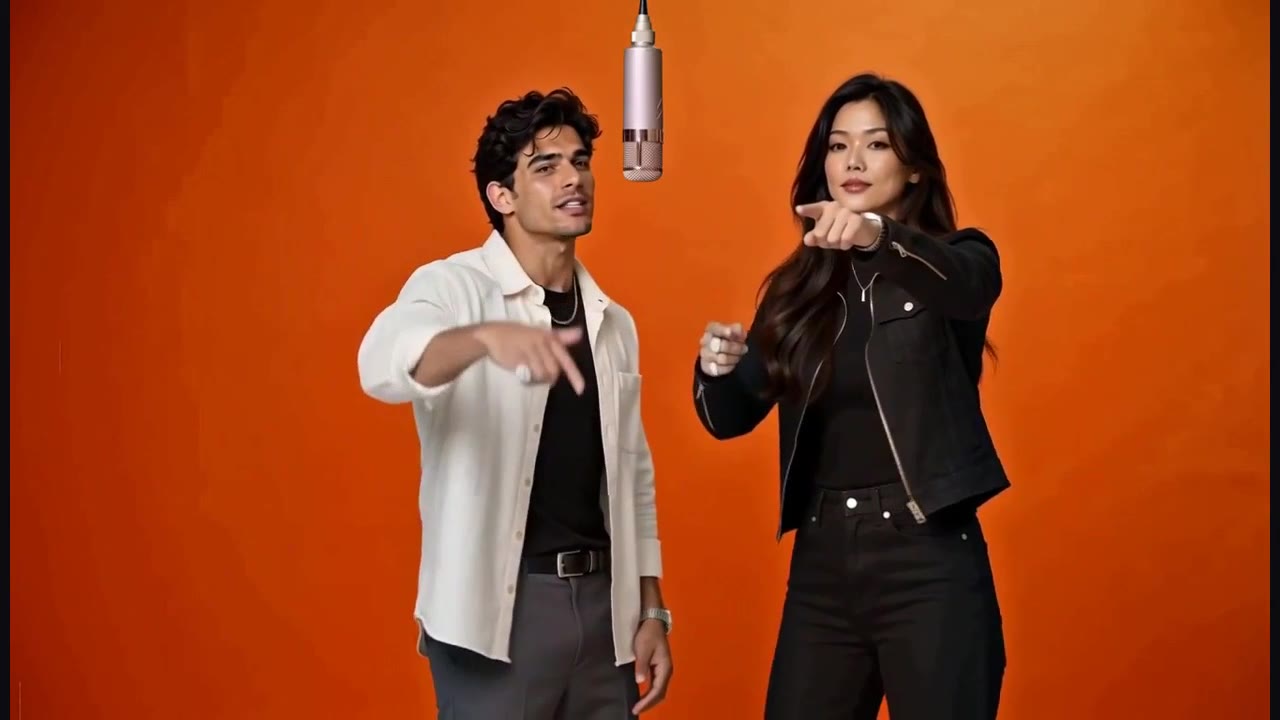
1. Sign in to the account you will use
Open the workbench in your phone's browser and sign in with Google or email/password. Sign-in connects purchases, tasks and downloads to that account. Google requests basic profile and email; it does not import your Google photos. Return to the same account after checkout so the purchased credits and saved video appear together.
2. Prepare two compatible portraits
Use two separate photos, one consenting adult aged 18 or older in each. JPEG, PNG and WebP are accepted up to 10 MB per file; both dimensions must be 300–6,000 pixels. If the phone's photo is HEIC, export or convert it to JPEG or PNG first. Select a clear face and upper body, then check the two upload thumbnails.
3. Set the roles and confirm the price
The first slot is the left performer and the second is the right; use Swap roles if needed. Standard 720p uses 160 credits, with a $9.90 one-time pack; 1080p uses 235 credits, with a $14.90 one-time pack. Both produce 10 seconds. Confirm the server quote before generating. Public examples are free to watch, but there is no free personal generation or free personal AI preview.
4. Recover files after sign-in or checkout
This browser can temporarily keep selected files for your return within 15 minutes using a random tab identifier. Keep using the same browser tab. If the files are not restored, reselect the two portraits and check their role order. Saving a draft stores text settings; it is not an uploaded task or a generated video. Once the server accepts generation, the task is saved in My videos and you may close the page.
5. Download, then prepare the post
Open My videos to play the completed result and choose Download clean MP4. The generated file is horizontal 16:9. For a vertical post, choose Export 9:16 and then Download 9:16 MP4; this fits both performers and audio on a dark background without additional generation credits. Save the file within its 30-day result period. Posting still requires the necessary likeness and music permissions.
Related questions
Can I make a Hotel Lobby AI video on my phone without an app?
Yes. Use the workbench in your phone's browser; no app installation is required. Sign in, buy credits and upload compatible portraits. The generated file is 16:9; use the optional 9:16 export for a vertical post.
Read the full answerWhy do I need to sign in?
Sign-in connects paid credits, private tasks and downloads to your account. Google sign-in requests your basic profile and email, not photos from your Google account. Email/password sign-in is also available.
Read the full answerWhich photos can I upload?
Upload two separate JPEG, PNG or WebP photos, one consenting adult per photo. Each must be at most 10 MB, with both width and height between 300 and 6,000 pixels. Clear faces and visible upper bodies supply useful detail; convert HEIC to JPEG or PNG first.
Read the full answerHow much does one Hotel Lobby AI video cost?
$9.90 buys one standard 720p video with 160 credits; $14.90 buys one 1080p video with 235 credits. Both are 10 seconds. These one-time purchases do not require a subscription or renew automatically.
Read the full answerCan I export a 9:16 video for TikTok or Reels?
Yes. Export a completed video from My videos as 720×1280 or 1080×1920 MP4. The full horizontal scene fits on a dark background, preserving both people and sound. This is a fitted export, not a native vertical camera; it uses no additional generation credits.
Read the full answerProduct details and policies
This guide describes the current AI Hotel Lobby workbench. Specifications and pack counts come from its template and price configuration; they are not a benchmark success rate.